
Radio, live DJs and 25 worlds to party in.
Stream stations from around the world, then step into a rooftop lounge, a nightclub, a beach party or outer space with your friends. On your phone, your computer, or in VR.
What's inside
More than a radio app
Every station plays in a 3D world, and everything you do there is better with friends.
Radio & podcasts
Thousands of live stations and shows by genre: hip-hop, R&B, jazz, gospel, reggae, Afrobeats, Latin and more.
25 worlds
From a Tokyo cyberpunk street to the International Space Station, each with its own crowd, DJ booth and VIP section.
VR, AR & mixed reality
Open it in the Meta Quest browser and step inside, or place the stage in your own room.
Parties & voice chat
Join a party, talk, dance, cheer, sing karaoke and watch videos together on the big screen.
Nightclub Mogul
Work as a bartender, DJ, bouncer or promoter, save up, and build a nightlife empire.
My Home
Build a house and garden, grow plants, watch wildlife move in and look after your needs.
Dance-off, trivia & more
Battle a rival on the dance floor, test your music knowledge, crack an escape room or find the Golden Records.
Your look, your pet
Pick an avatar, style your outfit and accessories, bring your own 3D avatar, and adopt a pet that follows you.
Worlds
Pick a vibe
A few of the places you can go tonight.

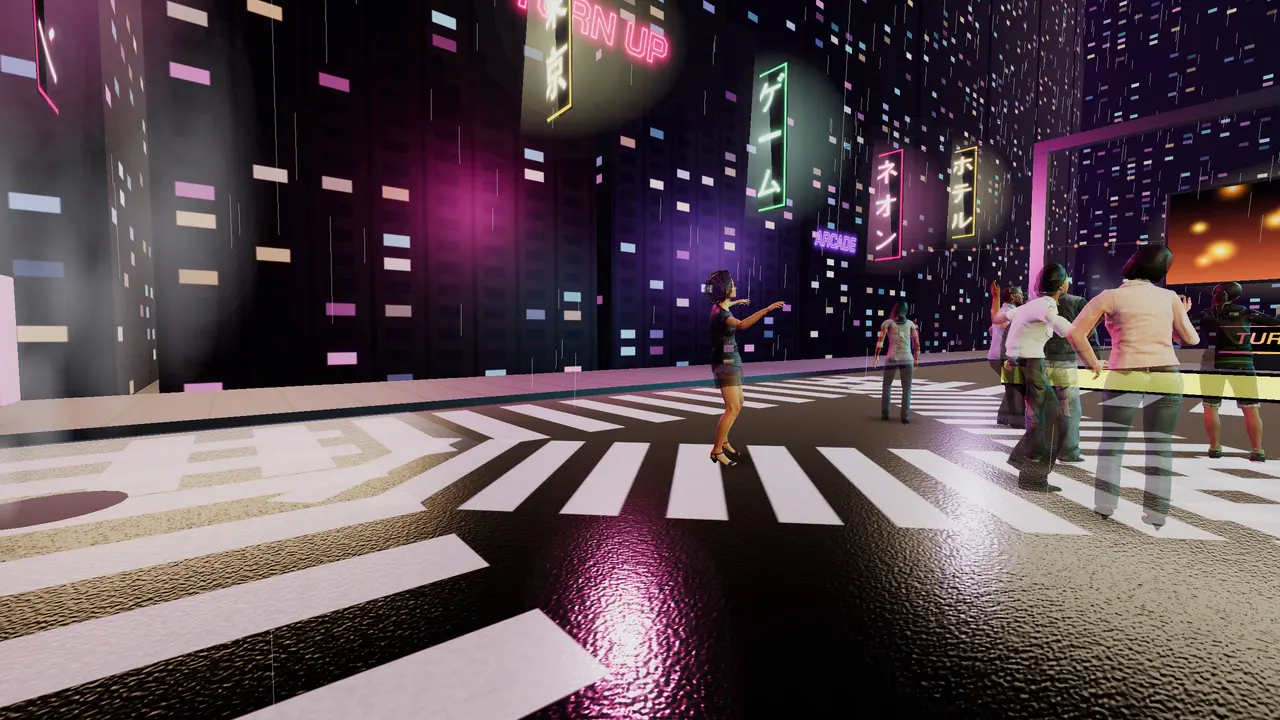
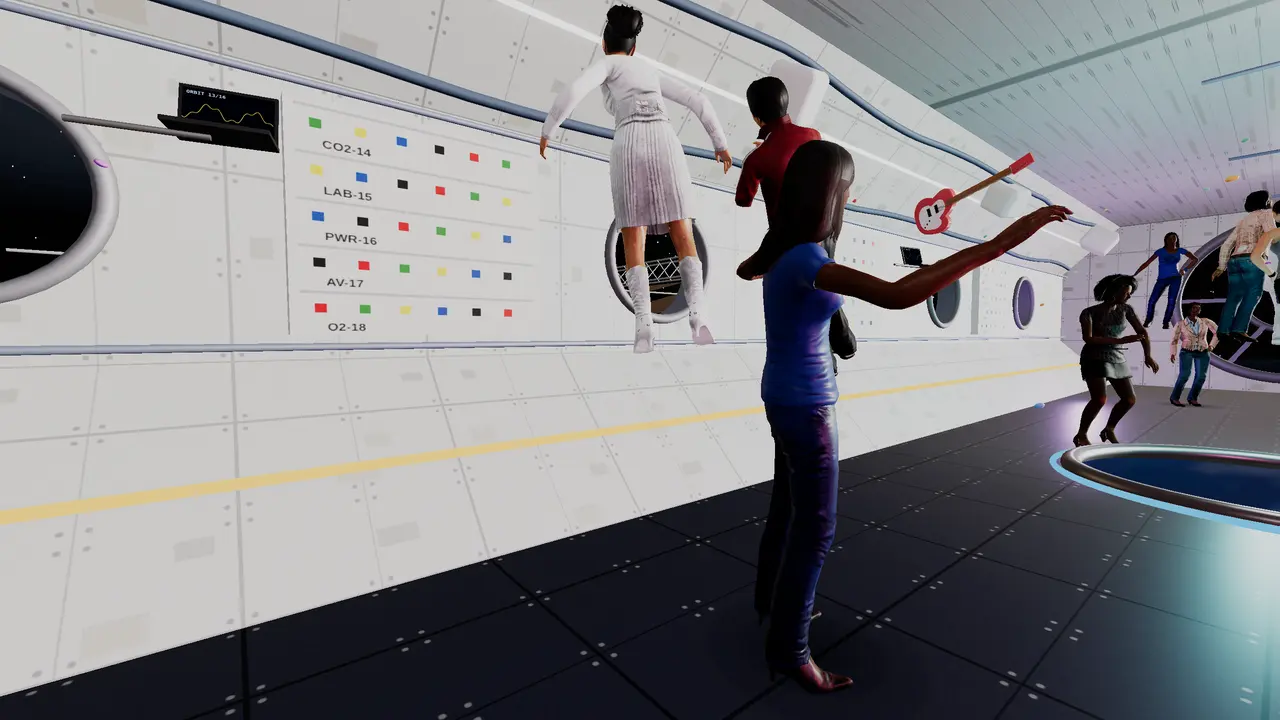
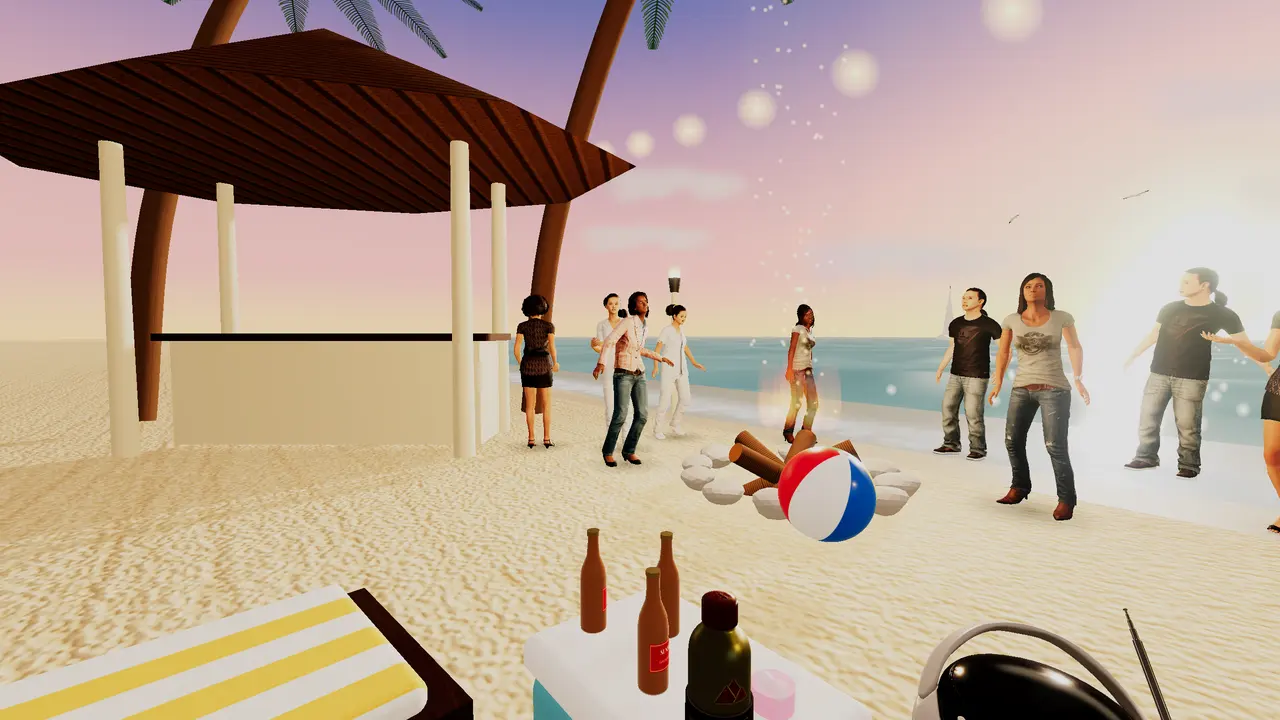
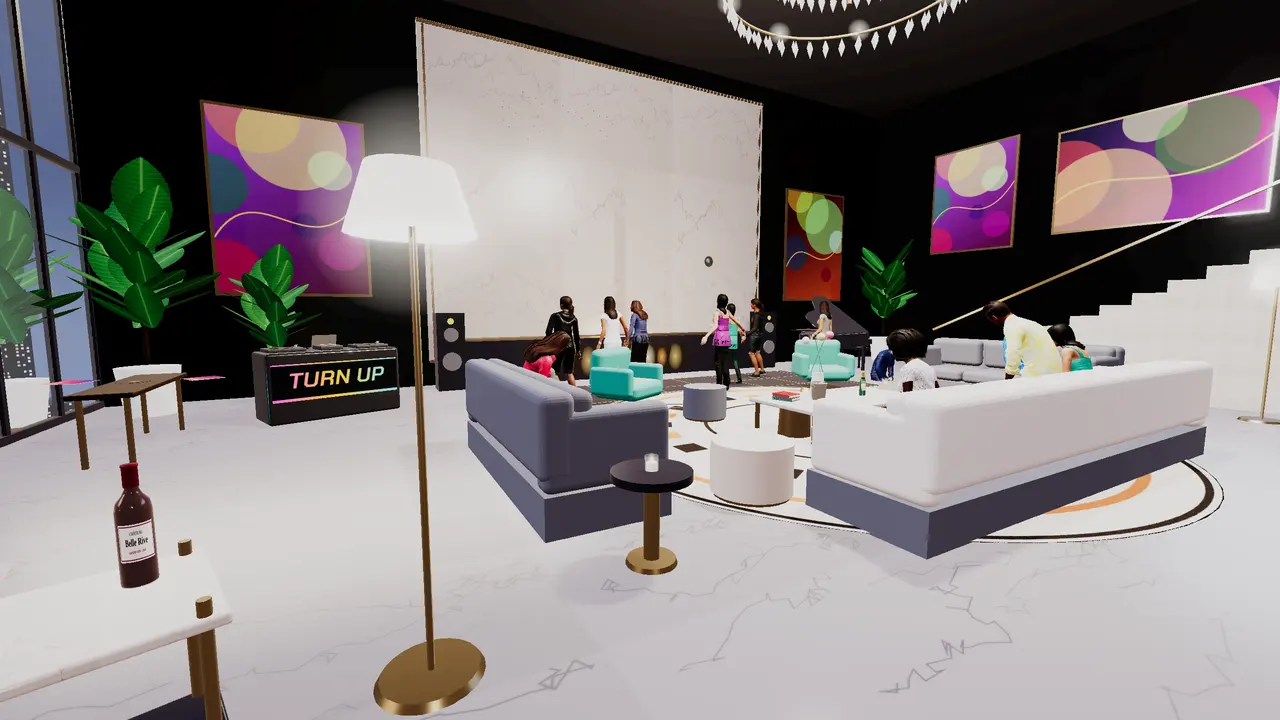
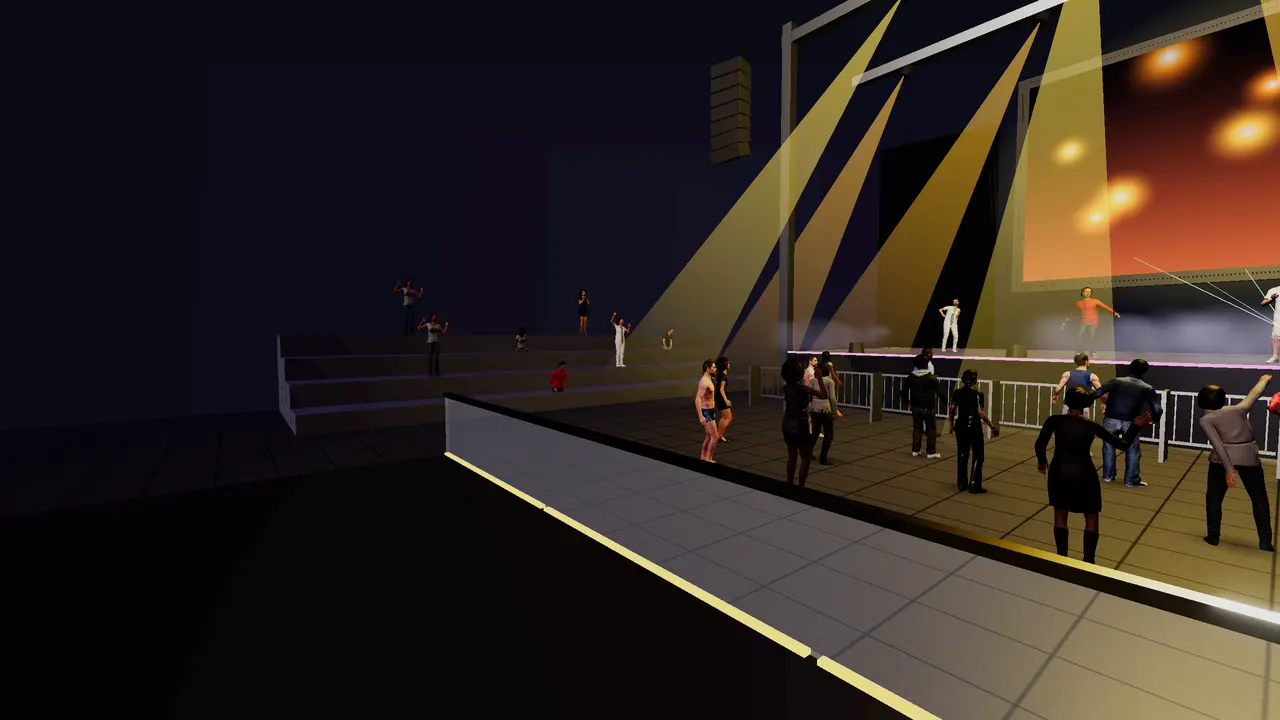
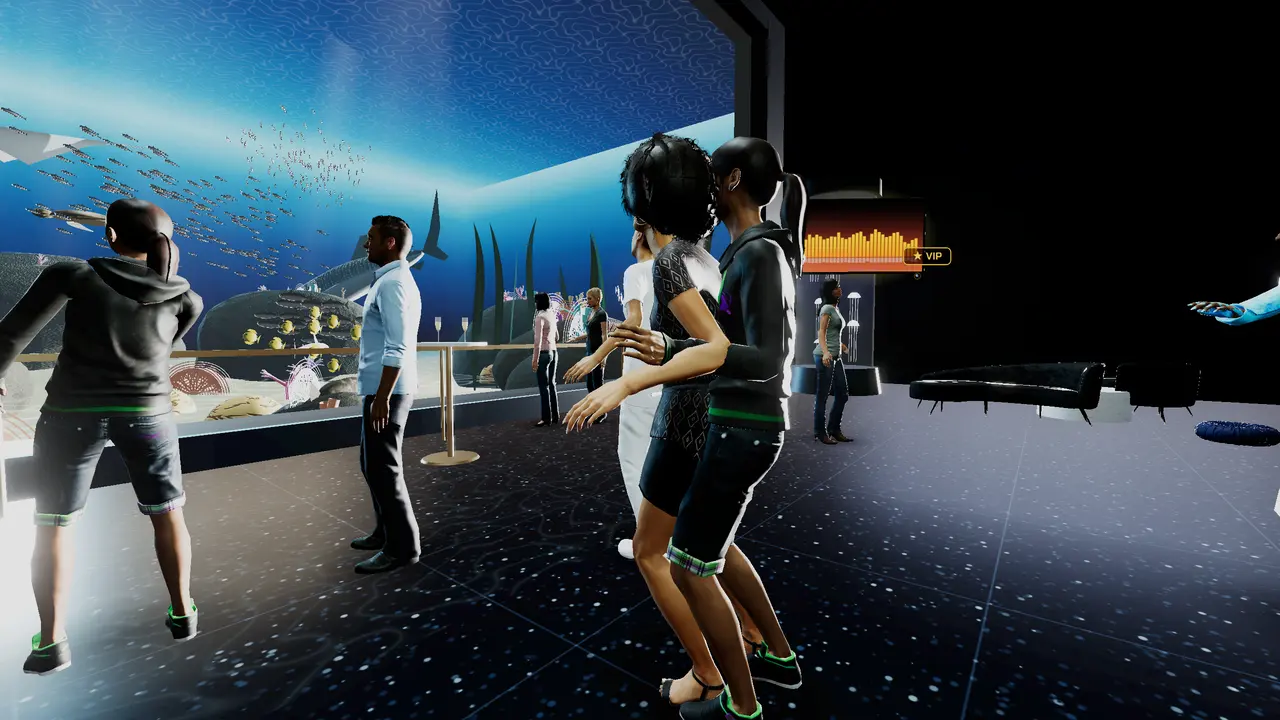
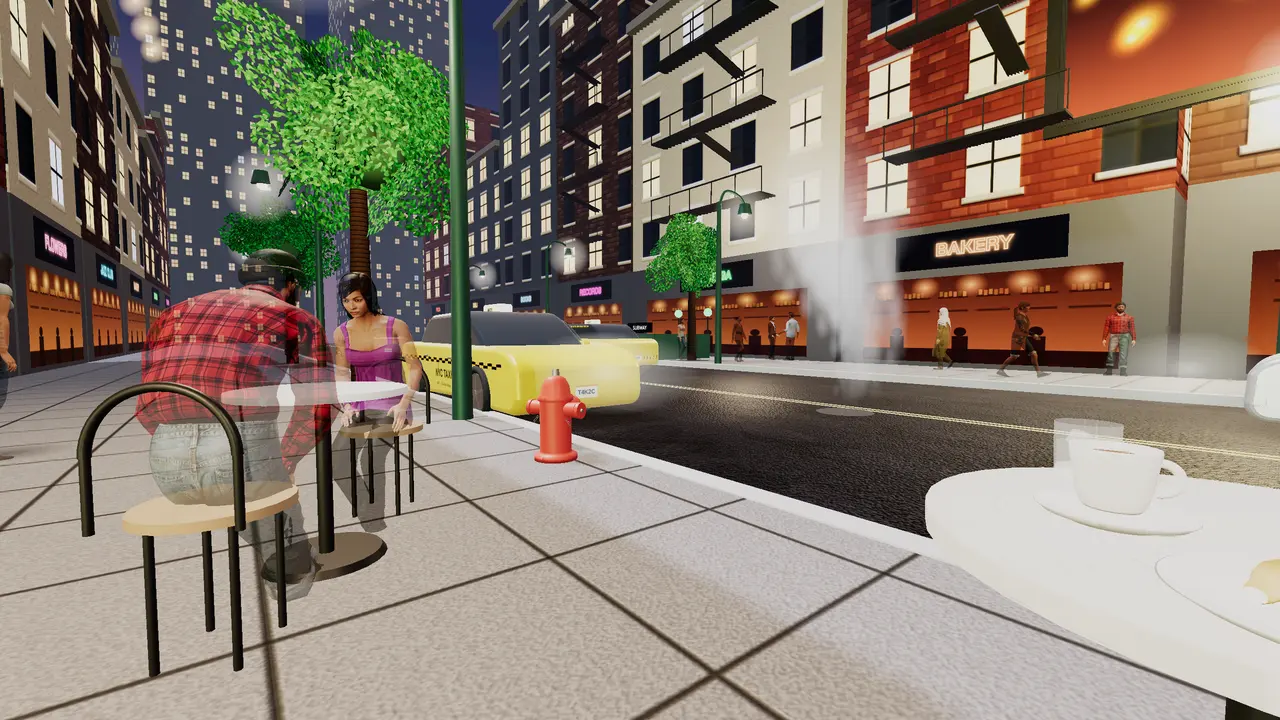
Also: Rooftop Lounge, Madrid Fiesta, Texas Rodeo, Quiet Coffee Shop, Turn Up Music Live (TV), Jazz Café, Bollywood Party, Rock & Roll Dive Bar, Aspen Ski Resort, Yacht Party, Harambee Jamboree, Reggae Dance Hall, Meditation Room, Exercise Room, Dance Class Studio, Escape Room and your own home.
Ready to turn up?
▶ Open Turn Up MusicGet it
Play anywhere
It runs right in your browser. Save it to your home screen for one-tap access.
Phone & computer
Open turnupmusic.online in Chrome, Safari, Edge or Firefox. On a phone, use “Add to Home Screen”.
Open the appMeta Quest
Open the Quest browser, go to turnupmusic.online, tap Open the app, then Enter VR. Mixed reality works on Quest 3.
VR controlsOn GitHub
See the project, the guide and the 3D model credits, or follow along as new features land.
View on GitHub